
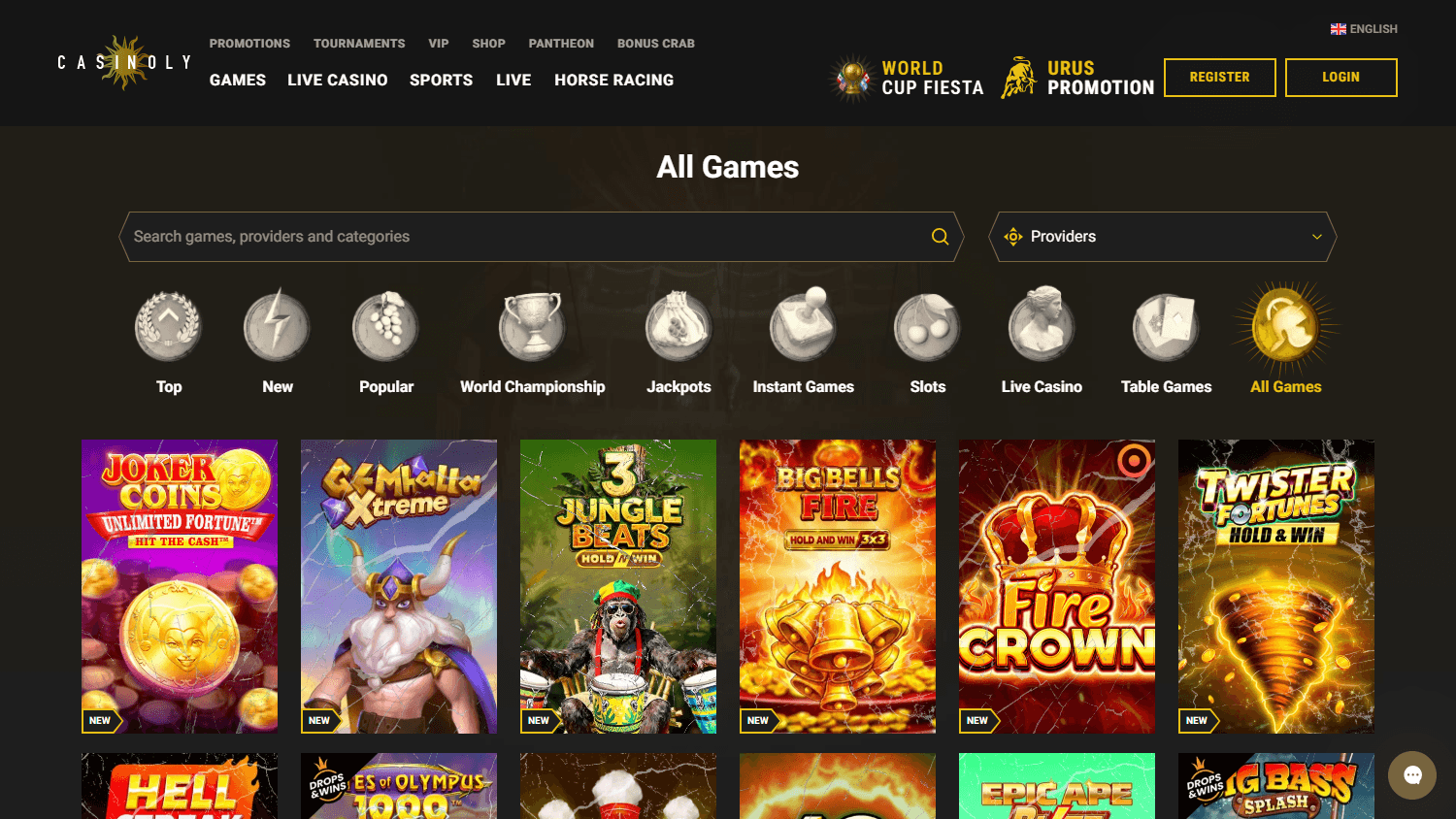
Logging into a reliable online casino isn’t a headache, and for Greek players who care about convenience and keeping their data safe, κάντε κλικ για λεπτομέρειες strikes that balance well. The platform offers you a login and registration system designed to safeguard your personal details while allowing you to access your account fast. This walkthrough details every part of the account journey—registering, authenticating your account, recovering a lost password, and enabling two-factor authentication. You’ll see exactly what to expect, which documents to have ready, and how to sort out common access issues without wasting time.
Getting Started with Setting Up Your Casinoly Account from Greece
Creating a new player account at Casinoly takes just a few minutes and follows a clear, guided process. If you are located in Greece, you need to be at least 21 and confirm you’re not in a restricted jurisdiction. The registration form requires basic info: your full legal name, date of birth, email address, and a mobile phone number. Supplying accurate details right from the start prevents verification delays later. Casinoly also asks you to pick a strong password and choose your currency—EUR is available for Greek players.
Detailed Registration Guide
The sign-up flow is straightforward, but a structured approach assists you avoid mistakes. You start by clicking the big “Register” button on the homepage. A multi-field form appears, split into logical sections. Each field checks your input on the spot, so errors get flagged immediately. After you fill in your personal and contact details, you create your login credentials and accept the terms and conditions. A confirmation email or SMS appears in your inbox or phone to verify your contact method. Once you confirm, your account is active and ready for deposits and gameplay.
- Tap the “Register” button on the Casinoly homepage.
- Enter your full legal name, date of birth, and gender exactly as they appear on your identification document.
- Give a valid email address and Greek mobile phone number for account verification and security alerts.
- Choose a unique username and a strong password that combines letters, numbers, and special characters.
- Pick EUR as your account currency and set any responsible gambling limits during registration.
- Read and accept the terms and conditions, then submit the form.
- Verify your email inbox or SMS for a verification link or code and activate your account.
Qualification and Geographic Restrictions
Casinoly admits players from Greece, but like any licensed operator, it applies standard eligibility rules. You must be of legal gambling age—21 or older in Greece. The platform employs geo-location checks and IP address analysis to block registrations from countries where its license doesn’t apply. Greek players should also make sure online gambling is allowed under local law and that they aren’t self-excluded through any national registry. If you try to register with fake location data, your account can be closed immediately and any funds forfeited.
Security Measures Protecting Your Casinoly Login
Casinoly layers several measures to keep your login credentials and personal data protected from unauthorized access. The entire website uses TLS encryption, so all information exchanged between your browser and the casino servers is scrambled. Internally, passwords are stored using salted hashing algorithms—even Casinoly staff cannot view them. Regular security audits and vulnerability scans seek out and remedy potential weak spots. If you connect from public Wi-Fi, the encrypted connection still holds up, though using a VPN adds another privacy layer if you desire it.
Coding and Data Protection
The casino’s security setup relies on industry-standard 128-bit or 256-bit SSL certificates. When you reach the login page, your browser presents a padlock icon, confirming the connection is secure. All personal data, including identification documents uploaded during KYC, sits on encrypted servers with strict access controls. Casinoly follows data protection regulations that require transparent handling of user information. Greek players can demand a copy of their stored data or seek account deletion in line with privacy rights, and the support team will help them through the process.
Two-Factor Authentication and Login Alerts
Beyond the optional 2FA, Casinoly can send email or SMS notifications whenever a login occurs from a new device or IP address. That provides Greek players immediate visibility into any suspicious activity. If you spot an unrecognised login, you can suspend the account temporarily by contacting support. The combination of 2FA and login alerts forms a strong defence against credential stuffing and phishing attempts. You should also employ a unique password that you don’t reuse on other websites—that way, a data breach somewhere else will not compromise your casino account.
Frequent Login Issues and Ways to Solve Them
With a carefully crafted system, you could hit a login snag occasionally. Most are easy to resolve without contacting support. The biggest issue is an incorrect password, frequently because Caps Lock is on or your browser stored an old one. Clearing your browser cache and cookies can solve session conflicts that prevent the login form from loading properly. Greek players using a VPN should attempt disabling it for a while; some server locations get identified by the casino’s security filters. Reviewing the official Casinoly status page or social channels can also tell you if upkeep is in progress.
Misplaced Password or Username
If you don’t remember your username, the login page has a “Forgot Username?” link. It forwards your registered username to the email on file, like the password reset—you need to get into that same email account. If you’ve lost both username and password, the email-based recovery manages them one after the other. Support will not provide account details over live chat until they’ve verified your identity through security questions or document submission. That policy protects Greek players from social engineering attacks.
Browser and Device Compatibility
Casinoly’s platform utilizes responsive design, but older browsers or unsupported operating systems can cause login failures. Greek players who use Internet Explorer might see display problems; changing to Chrome, Firefox, Safari, or Edge usually fixes them. On mobile, the casino functions straight in your device’s web browser—no app download needed. Purging the browser cache and making sure JavaScript is enabled are quick troubleshooting steps. If the login button doesn’t respond, try disabling ad-blockers or privacy extensions that may be messing with scripts.
Account Suspended or Suspended
Your account might get temporarily locked after numerous failed login attempts. That’s a security measure to block unauthorized access. The lockout generally lasts 30 minutes, then you can try again. If the account remains inaccessible, it may be under review for verification or responsible gambling checks. Greek players who see a suspension message should look at their email for instructions from the compliance team. If you’ve voluntarily excluded or set a cooling-off period, the lock is deliberate and is removed only after the specified time expires. Support can describe the reason but is unable to override programmed restrictions.
Account Recovery and Account Login Help
Forgetting a password happens, and Casinoly has a self-service recovery flow so you don’t have to wait for support. On the login page, click “Forgot Password?” and provide the email tied to your account. The system delivers a special recovery link that’s active for a set duration. Follow it, and you’ll be taken to a page where you can establish a new password. The reset email normally appears within minutes, though Greek users ought to check their spam folder if it seems slow. This process keeps hidden your old password—it remains encrypted and cannot be recovered.
If the recovery email fails to appear, a few checks can help. Verify you’re using the exact email you signed up with; even one wrong character blocks the message. Adding Casinoly’s sender address to your contacts can address filtering issues. If you’ve lost access to that email account completely, the support team is able to assist after they verify your identity. In those cases, live chat is the fastest channel for Greek players. Agents use English and can forward complex cases to a specialist team that handles account recovery in a secure manner.
Verification Process: Identity Checks for Players from Greece
Before you can withdraw, or whenever the regulator requires it, Casinoly asks for a customer verification process. This standard verification ensures you are genuine and that you meet age requirements. Greek users need to prepare to submit clear photos or scans of government-issued documents. The review team processes applications on a first-come basis, and the status is visible within your account panel. Completing verification early—before you deposit funds—makes future payouts faster and prevents disruptions while playing.
Standard Required Documents
The precise list may vary slightly based on your chosen payment method, but the core requirements stay the same. You are required to provide a valid government-issued photo ID—a Greek ID card, passport, or driving licence. You will also require proof of address: a current utility statement, bank statement, or official letter from authorities showing your name and residential address in Greece. For credit or debit card users, they could request a image of the card with only the last four digits visible and the CVV hidden, to verify card ownership.
- A full-color image of a valid travel document, Greek identity card, or driving permit (both sides if applicable).
- A recent utility bill, bank statement, or tax record dated within the last three months with your full name and residential address.
- When depositing by card, a image of the card’s obverse with only the last four digits visible, with the security code covered.
- Under certain circumstances, a self-portrait with the ID near your face, or a brief video confirmation, might be required for added security.
Duration of Verification
Casinoly strives to process KYC files within 24 to 48 hours, though it can take a bit longer during busy periods. Greek players who upload clear, legible files with no missing info are typically approved more quickly. The compliance department checks that names match across all documents and checks the address is recent. In case of document rejection, you’ll receive an email explaining why—such as an expired document or unclear photo. Submitting revised documents again returns you to the verification queue, so getting it right the first time is worthwhile.
The Casinoly Login Process Safely
When your account is set up, logging back in needs your username (or username) and your password on the login page. The whole site runs on HTTPS encryption, so your credentials never travel in plain text. If you switch between desktop and mobile, the login page appears and functions the same. There’s a “Remember Me” feature that stores a secure token on your personal devices, so you won’t need to type your password every time. Don’t use it on shared or public computers, though—it’s designed for trusted devices only.
Regular Login with Email and Password
The default login method prompts for the email address you used at sign-up and your password. Upon entry, the server compares a hashed version of your password against its records. Your actual password is not kept in readable form. If the credentials match, you’re in. Casinoly automatically logs out inactive sessions after a set period to protect unattended devices. If you mistype your password several times, you’ll trigger a temporary lockout. That’s a security measure against brute-force attacks, rather than a lasting restriction.
Enabling Two-Factor Authentication (2FA)
You can introduce an extra layer of security by turning on two-factor authentication from your account settings. After activation, every login requires a time-sensitive code from an authenticator app like Google Authenticator, or one sent by SMS. So even if someone gets hold of your password, they can’t get in without that second factor. Configuring 2FA takes under two minutes. You scan a QR code with your authenticator app, confirm a test code, and the protection kicks in. Backup codes are provided for emergencies—store them offline somewhere safe.
Frequently Asked Questions
What is the registration process for Casinoly in Greece?
Press the “Register” button, enter your personal information—full name, date of birth, email, and phone number—then pick a username and a secure password. Choose EUR as your currency and establish any deposit limits you prefer. Approve the terms and validate the email or SMS code. Your account becomes active immediately after verification, and you can deposit and begin playing.
What paperwork is needed for KYC verification at Casinoly?
Generally, a government-issued photo ID like a passport or Greek ID card, a recent utility bill or bank statement as proof of address, and sometimes a picture of your payment card showing only the last four digits. A selfie verification could also be required. All documents need to be clear and current.
Does Casinoly offer two-factor authentication for Greek users?
Yes, you can turn on two-factor authentication from your account security settings. It operates with authenticator apps like Google Authenticator, creating a time-based code needed at every login. SMS codes could also be accessible. Backup codes are provided for emergency access if you lose your primary device.
What should I do if the password reset email never arrives?
First checking your spam or junk folder and ensure you typed in the correct email address. Adding Casinoly’s sender address to your contacts will stop it from being filtered. If the email still doesn’t appear, use live chat to ask for help. You’ll need to verify your identity before a manual reset is processed.
What could cause my Casinoly account be locked after a few login attempts?
A few wrong password entries cause a temporary security lockout, typically lasting 30 minutes, to block brute-force attacks. If the account stays locked after that, it may be under compliance review or affected by a self-exclusion. Contact support to learn the exact reason and carry out the instructions they give you.
Is it possible for Greek players log in from a mobile device without an app?
Definitely. Casinoly’s website is fully responsive and works directly through any modern mobile browser. There’s no mandatory app download. The login page adjusts to your screen size, and all functions—deposits, games, account settings—remain accessible. A stable internet connection and an updated browser are recommended.
Is it advisable to save my login credentials in the browser for Casinoly?
Storing credentials on a personal, password-protected device is typically safe, particularly if you also use a PIN or biometric lock. On communal or public computers, never use the “Remember Me” feature or save passwords. Always log out manually and clear the browser history after each session on public terminals.